

EDEN for Windows
The full workspace. Your business tools open inside EDEN, each in its own isolated container, so one tool's sign-in and data stay apart from the others.
A product by Echo Technology
EDEN is one workspace for your business. Your wiki, documents, policies and tools sit behind one Microsoft 365 sign-in, and one search finds all of them.
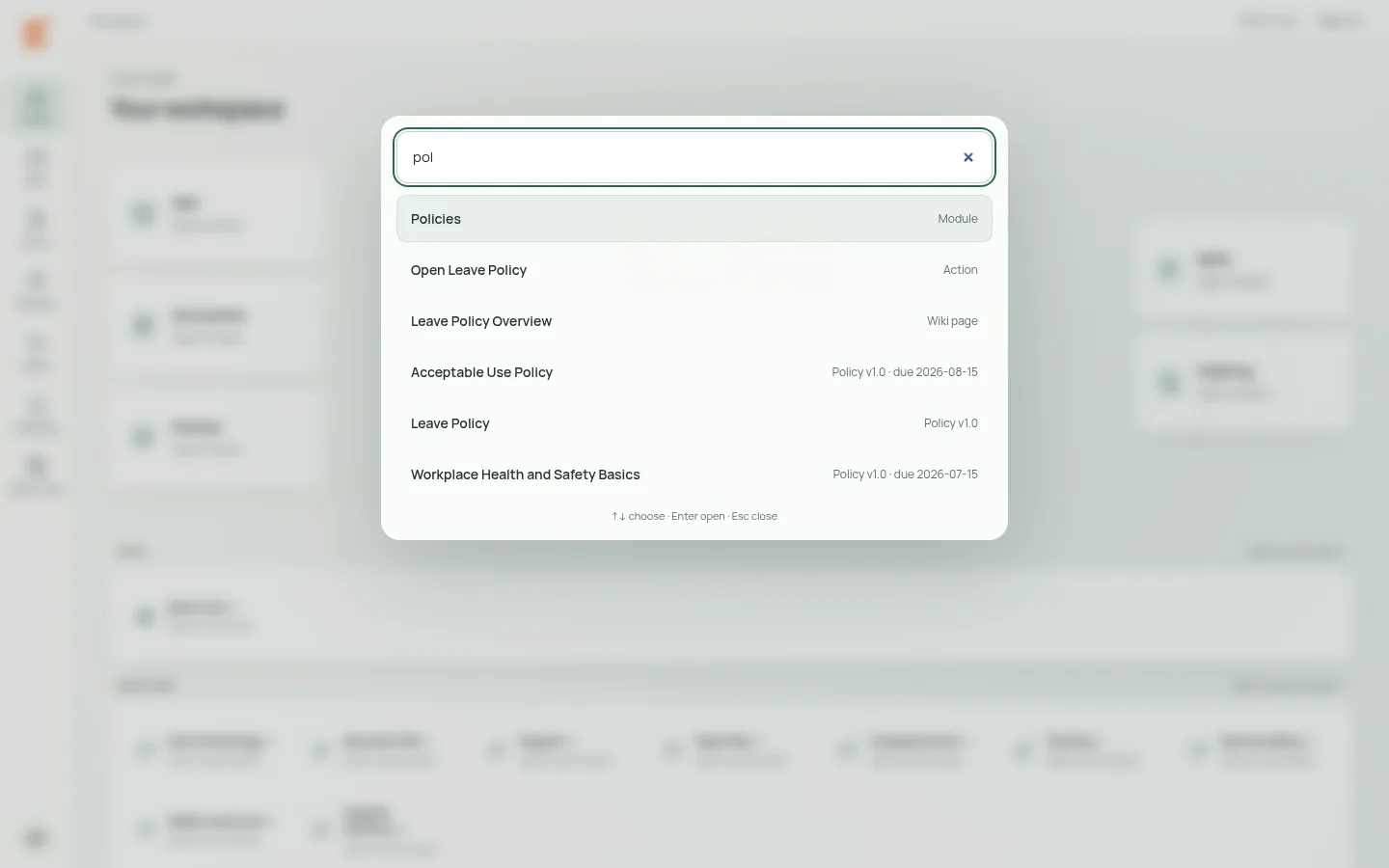
Try it: type policy, letter or phone.
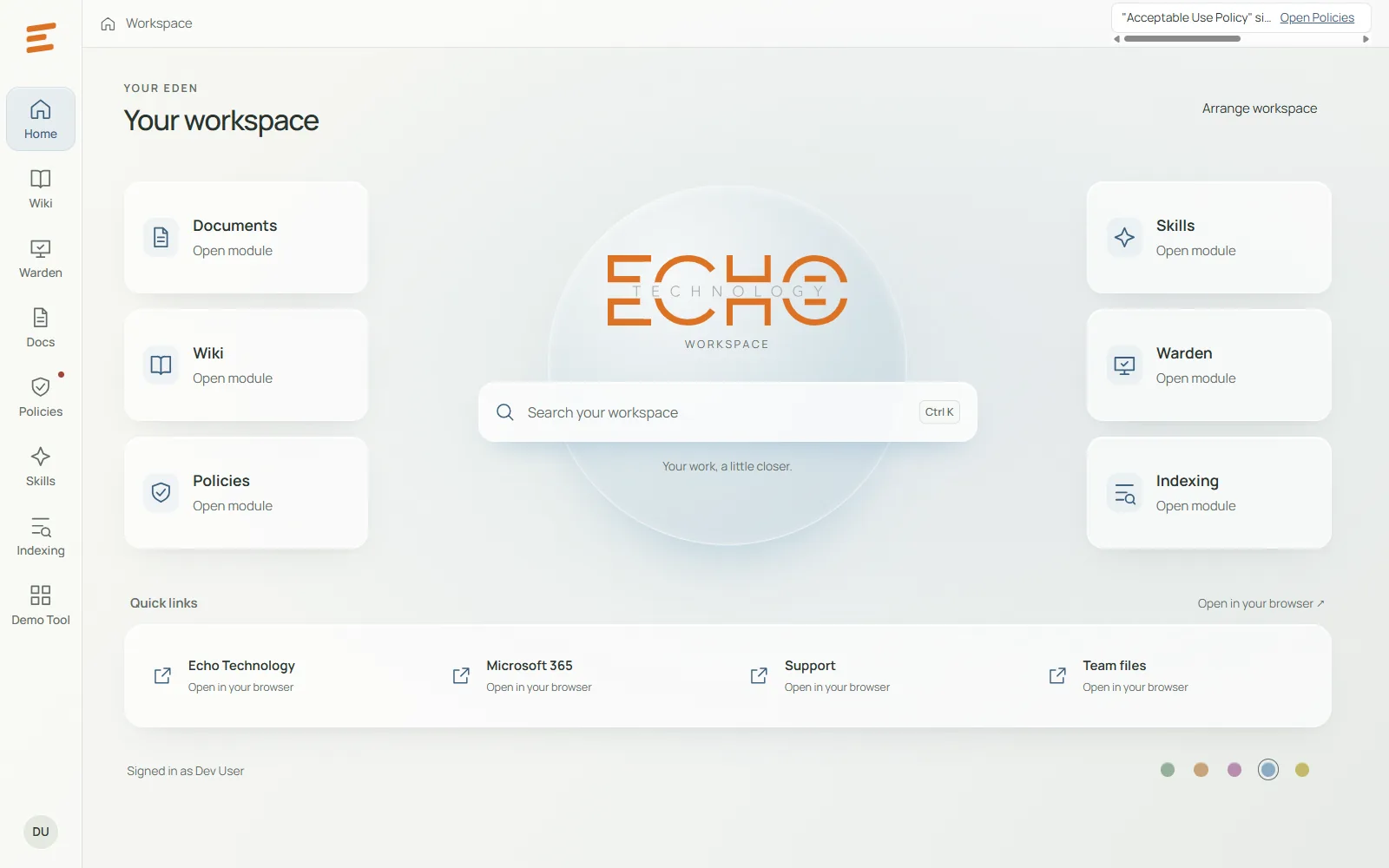
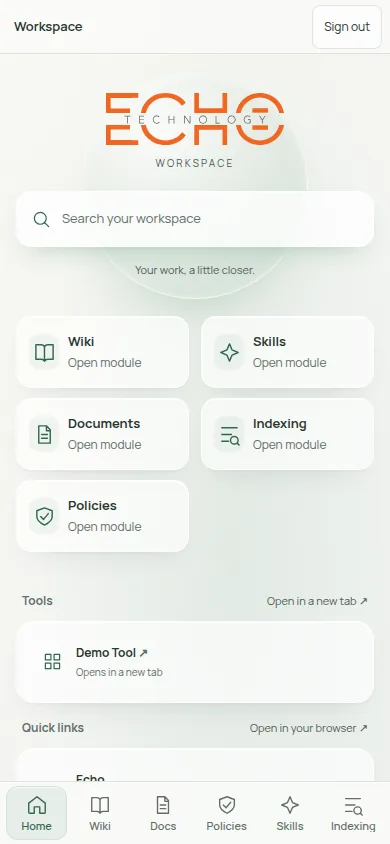
The EDEN desktop app on Windows, and EDEN WEB on a phone. Both screens show a demo workspace with sample data.
How it works
Your team signs in with the Microsoft 365 work account they already use. There is no new password, and Echo sets who can see which modules and tools.
Home shows your company's modules, tools and links, with your logo and colours. Each person sees only what has been assigned to them.
Press Ctrl K or tap the search bar and start typing. EDEN matches modules, tools, wiki pages, documents and policies as you type.
One search
The same search bar sits at the centre of every EDEN Home, on Windows and in the browser. Results narrow as you type, arrow keys choose, and Enter opens the page.
Modules
Your company's guides and procedures, in one place and found by search.
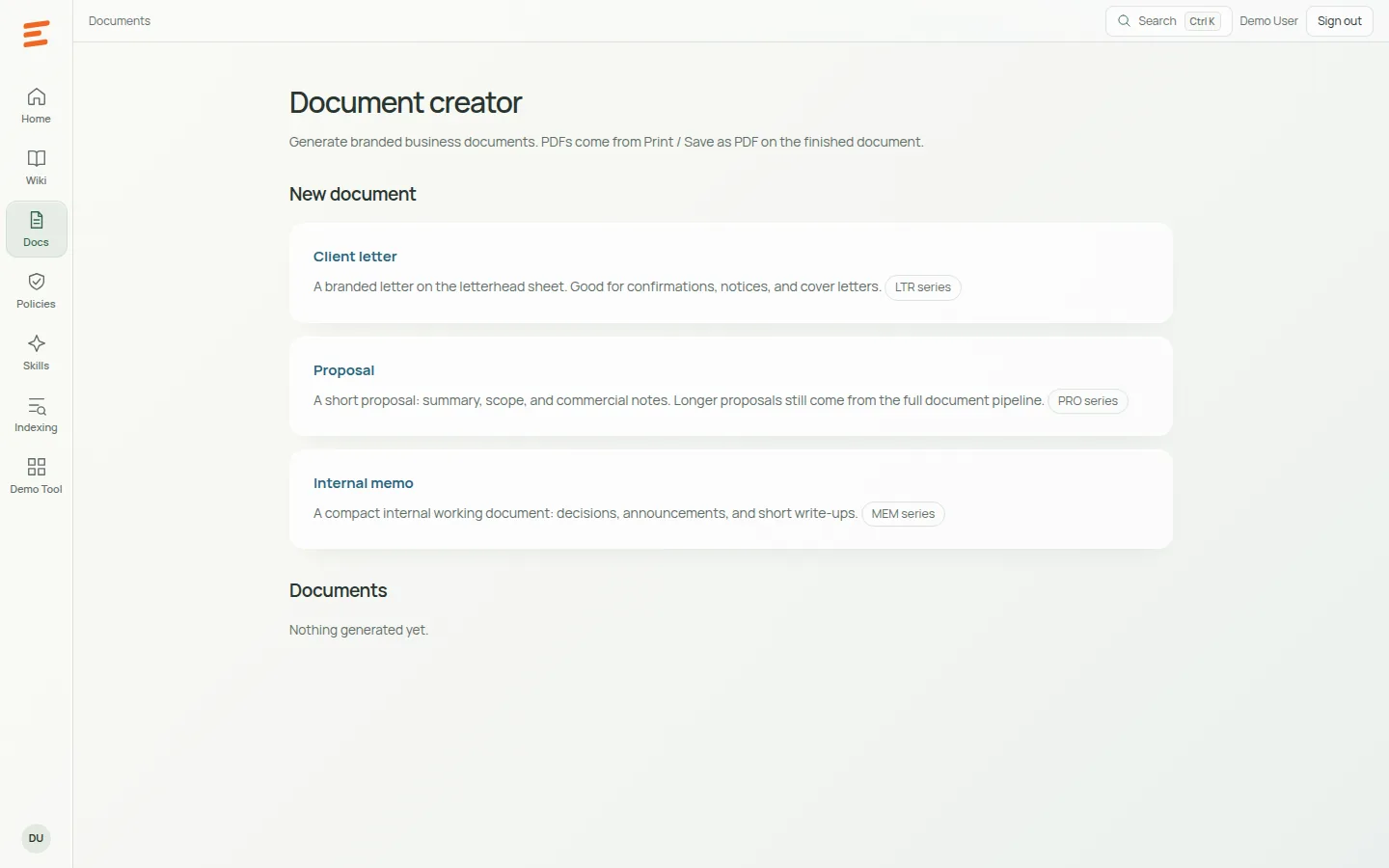
Letters, proposals and memos on your own letterhead, ready to print on A4 or save as a PDF.
Staff read a policy, answer a short check and sign off. EDEN keeps each sign-off as evidence and shows what is overdue.
Ready-made AI prompt packs and step-by-step procedures your team can copy and follow.
Warden, Echo Technology's hands-on support app, opens inside EDEN on Windows, next to the rest of your work.
Desktop and web
The full workspace. Your business tools open inside EDEN, each in its own isolated container, so one tool's sign-in and data stay apart from the others.
The same Home and search in a phone or laptop browser, with the same Microsoft sign-in. The wiki, documents, policies and skills work there too; Warden stays in the Windows app, and tools open in a new tab.
Coming: add EDEN to your phone's home screen, like an app.
Security
Who it's for
If Echo manages your IT, ask us about setting up EDEN for your team.